Paper and orientation
Letter pages measure 8.5 × 11 inches; A4 pages measure 210 × 297 mm. Match each image chooses portrait or landscape separately for every page. A fixed orientation applies to every page.

Arrange JPG and PNG images into a PDF, with one complete image on each page.
Up to 20 images · 30 MiB combined · 12 million pixels per image
Choose JPG or PNG files to start.
In your browserNo uploadsNo account
Convert an image to PDF on its own, or arrange several pictures into one document.
One image keeps its filename with a .pdf extension. Multiple images download as images.pdf.
Letter pages measure 8.5 × 11 inches; A4 pages measure 210 × 297 mm. Match each image chooses portrait or landscape separately for every page. A fixed orientation applies to every page.
When you convert a pic to PDF, the whole image fits inside the selected margins, with its proportions unchanged. Each image occupies its own page. A narrow receipt or a very wide photo can leave additional white space. Try Match each image or a smaller margin if needed; the tool does not stretch or crop a picture to fill the sheet.
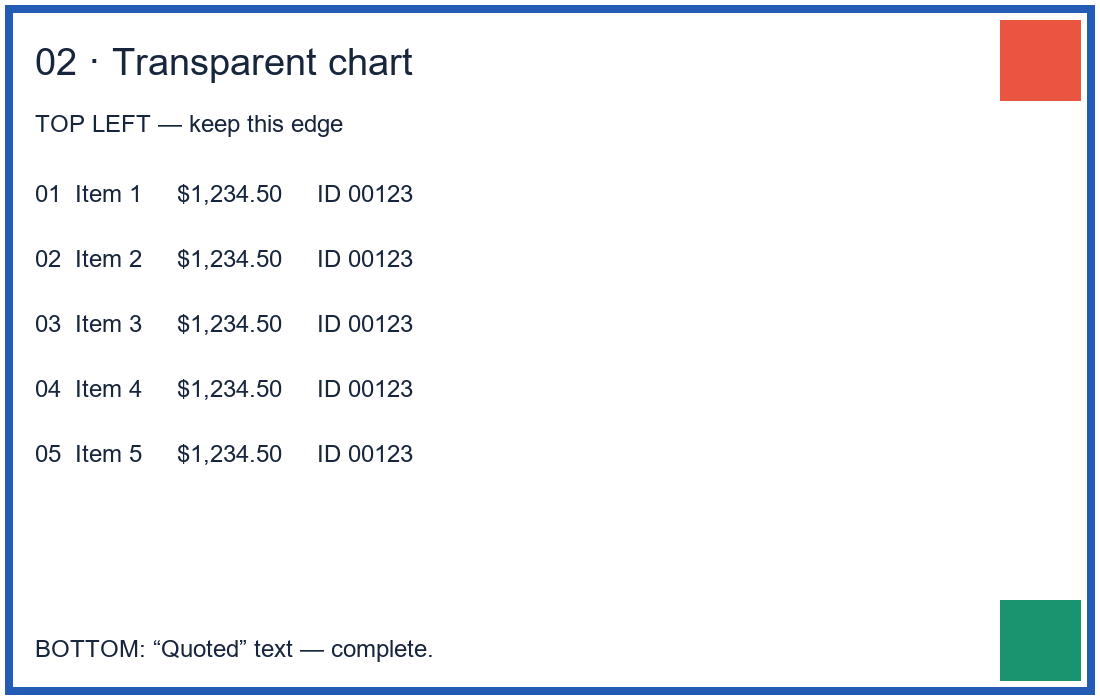
The browser applies the image's orientation and your rotation. Transparent areas are placed on white.
Tested on:
On October 24, 2026, we converted these original English image fixtures, downloaded the PDFs and viewed every page in the three primary results. We also compared the decoded pictures and their page placement with the source files.
| Inputs and settings | Actual PDF download | Observed result |
|---|---|---|
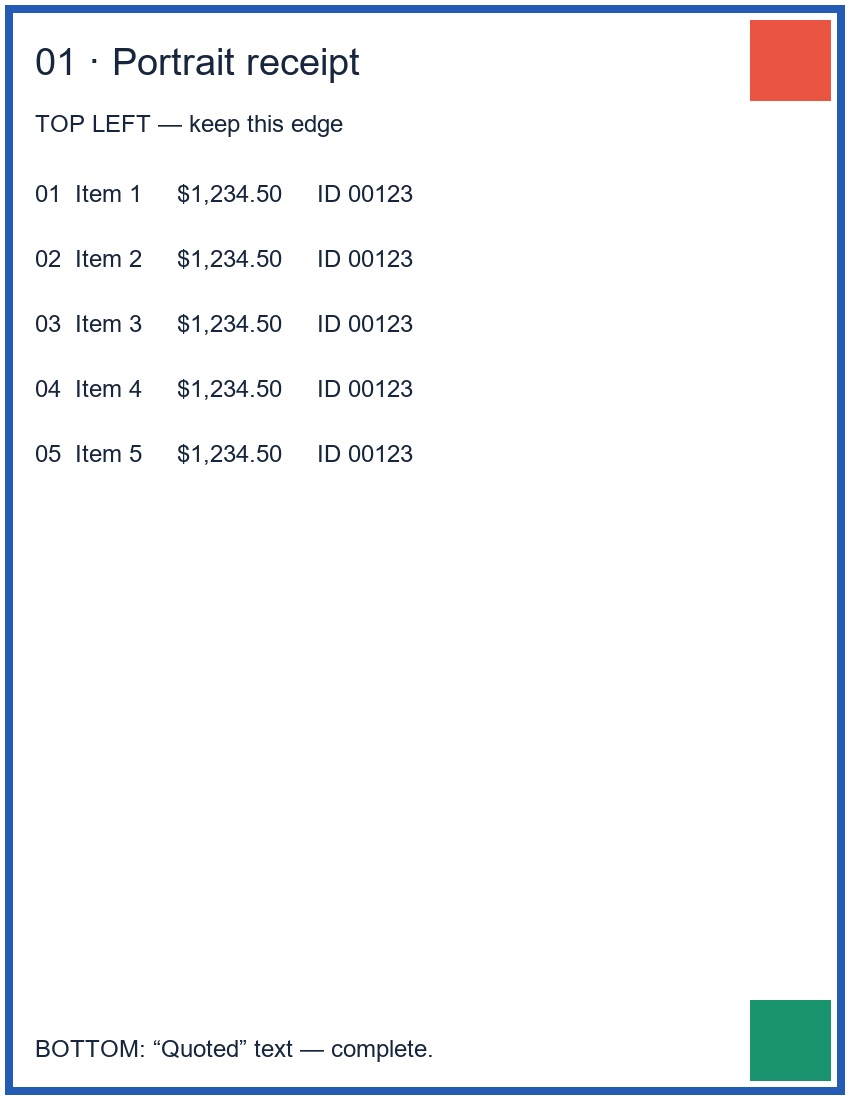
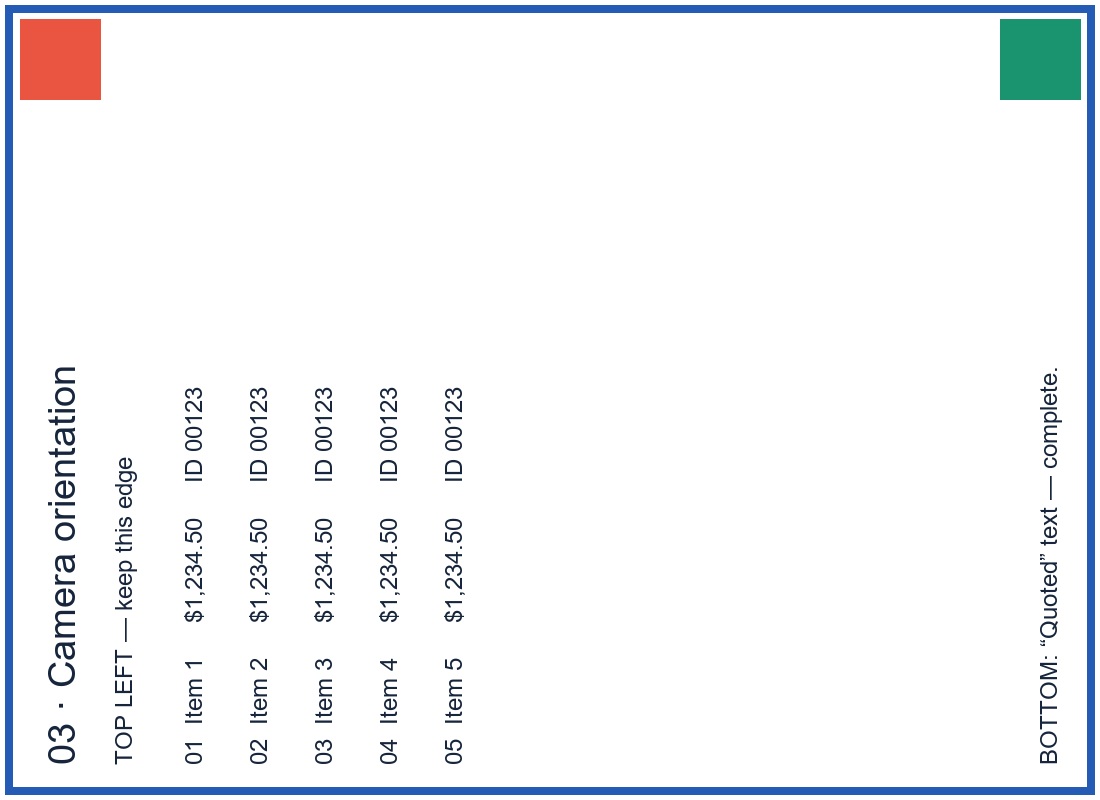
| Portrait JPG, transparent PNG, camera-orientation JPG Letter, Match each image, 0.25-inch margins | Three-page Letter PDF | Portrait, landscape, portrait in the selected order. Camera orientation was applied. All four edge markers, five numbered rows and bottom lines remained visible. Transparent areas became white. |
| The same three files, reordered to portrait JPG / camera JPG / PNG; first image rotated 90° clockwise A4 portrait, 0.5-inch margins | Reordered A4 PDF | All three pages were A4 portrait. Page order and the first image's rotation matched the controls. Pictures kept their proportions and remained inside the margins. |
| Portrait JPG only Letter landscape, no margin | Single-image landscape PDF | One landscape page with the full portrait image centered. White space remained on the left and right; the picture was not stretched or cropped. The browser download kept the source filename with a .pdf extension. |
A separate orientation input archive and its actual eight-page PDF support an orientation regression that checked all eight JPEG orientation flags against independently transposed source pixels. A 390-pixel browser-width run completed selection, conversion and download; its three-page PDF contained the same page content and image bytes as the desktop result. This was not a physical-phone test.
Invalid image data and the input-size, image-count, image-dimension and total-pixel guards were exercised. The 100 MiB output boundary and a successful 20-image run were not tested. These results apply to the supplied fixtures and settings, not all images or devices. Download the page-by-page check record and source notes.
Your images are read, arranged and converted in this browser. Image contents, filenames and the generated PDF are not uploaded to a conversion server. Conversion components load from this site. Separate site-delivery and analytics requests are described in our privacy policy; conversion contents are not sent as analytics events.
Select Clear or close this page when finished. Files you already downloaded remain on your device.
If your images are still listed here, choose more images, arrange them and create a new PDF. This tool does not open an existing PDF or append pages to it.
Changing the images or page settings clears the previous download link. Select Create PDF again to generate the updated file. A PDF already saved to your device does not change.
Page updated: